The Portal Roblox The Portal Tools
Interactive helpers for race, class, and build planning before you spend reroll mirrors.
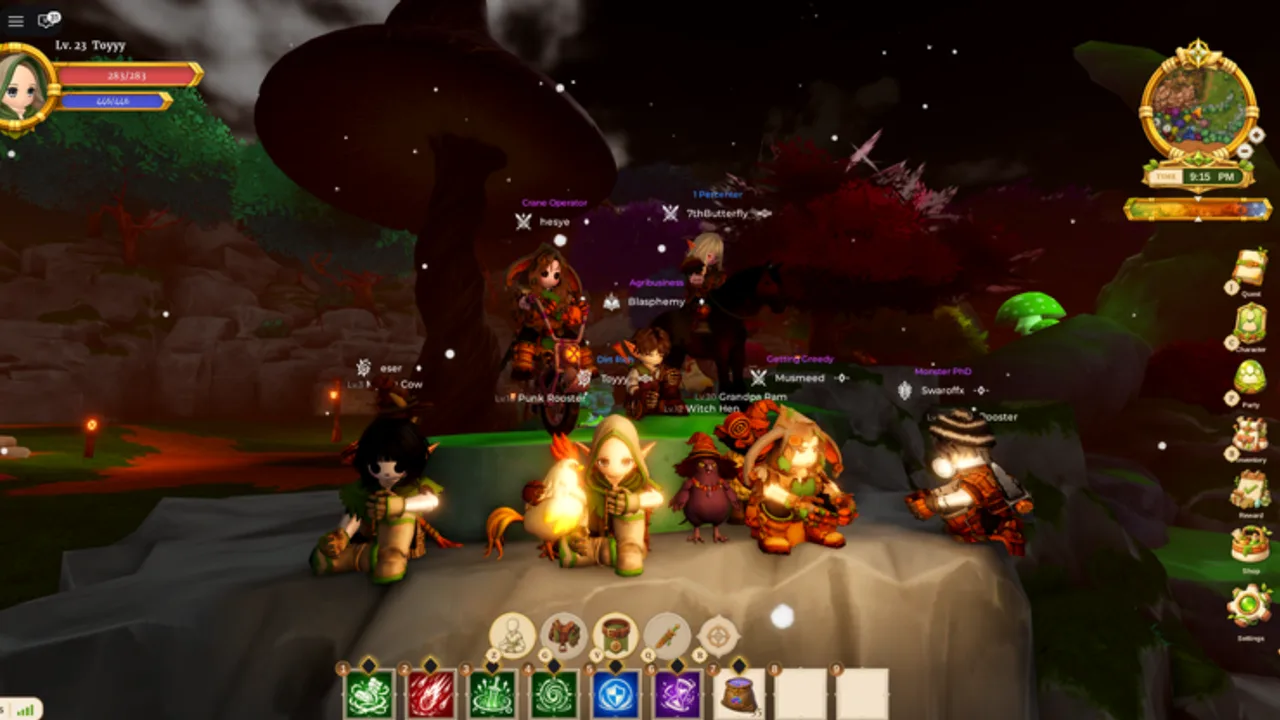
Wiki tools help you make irreversible decisions before grinding The Portal, the slow-paced Roblox MMORPG from The Box of Trolls Studio. Race rolls cost Reroll Mirrors from Codes Hub, and Job Change wipes learned moves. Interactive helpers reduce guesswork by visualizing stat synergies and linking directly to build guides.
This hub lists available tools and explains when to use them in your planning workflow alongside Guides hub and Tier list hub.
Available tools
Race-class picker
Interactive selector for Milk, Meat, and Mushroom families paired with Warrior, Defender, Enchanter, or Cleric. Outputs recommended pairings aligned with Race and class pairings. Use before spending mirrors from 5KLIKES, RELEASE, or THROUGHTHEPORTAL.
Recommended workflow
- Read Getting started and How to choose a race.
- Open the race-class picker with a target class in mind.
- Cross-check results against Class tier list and Race tier list.
- Redeem codes via How to redeem codes.
- Follow the matching build: Warrior, Defender, Enchanter, or Cleric.
Tools vs spreadsheets
Community spreadsheets may appear for Combat Point math. Official wiki tools focus on decision support, not simulating exact DPS numbers that patches invalidate overnight. For CP systems read Combat Points.
Mobile usage
Tools run in-browser on Roblox mobile browsers or secondary devices while playing. No install required.
Future tools
Potential additions include CP calculators and mirror budget planners if The Box of Trolls exposes API data. Track Updates hub for announcements.
Honesty about automation
Wiki tools are not scripts and do not interact with Roblox clients. For script risks see Scripts hub.
Related pages
- Race-class picker
- Builds hub
- Codes Hub
- Links hub — official game URL
Device compatibility
Tools render on modern mobile browsers and desktop. If the race-class widget fails to load, disable aggressive ad blockers on this wiki domain and refresh—some blockers strip interactive scripts.
Data freshness
Tool recommendations sync with tier list pages at wiki update time. After major patches, reload the picker page before making mirror decisions tied to Codes Hub redemptions.
When to use each tool
Open the Race-class picker before your first mirror spend and again before Job Change if you are unsure whether race or class is the bottleneck. Pair the picker with How to choose a race for family lore and 10% rare odds, then confirm numeric meta on Race and class pairings. Tools never replace reading Controls if you still struggle to open the Account tab for codes.
Planning alts vs main
Because codes redeem once per account, alts force fresh progression without duplicate mirror bundles. Use tools on a second device while your main character farms gold—document each alt’s planned pairing before you delete a character slot. The picker output is a screenshot-friendly checklist, not a saved profile.
Accuracy and limits
Wiki tools summarize launch-tier research; they do not scrape live Roblox APIs. If your in-game tooltip contradicts a picker suggestion after a hotfix, trust the tooltip and file a wiki correction path through Updates hub sightings.
Frequently Asked Questions
Quick answers for The Portal players.
Do tools require a Roblox login?
No. Wiki tools are static planners on this site. They never ask for passwords or cookies.
Which tool should I use first?
Race-class picker before spending reroll mirrors or committing to Job Change.
Are tool results official?
They reflect community tier research at launch. Patch notes may override recommendations.